The password is unique to each export run and corresponding data file. You'll need it to restore the converted file in Desktop/Enterprise.
To retrieve your password, log back into app.exportmybooks.com with your Intuit credentials and click on the Download button for the specific export run. For security purposes the password and file are deleted from our servers after 30 days.
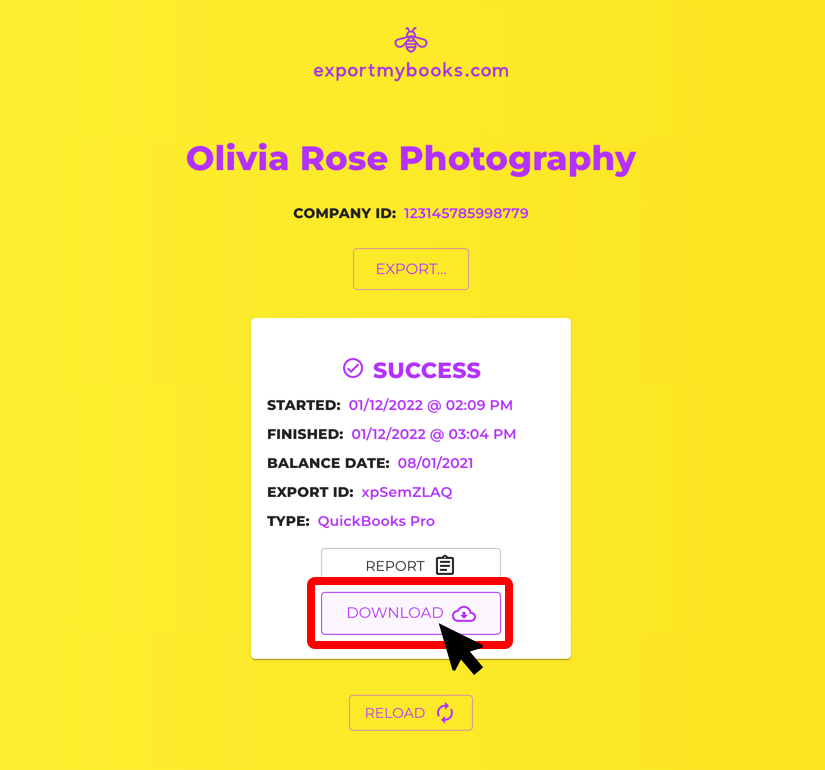
A window will open that has your password. Note that each password is unique and automatically-generated. Yours will be different than what's shown below.
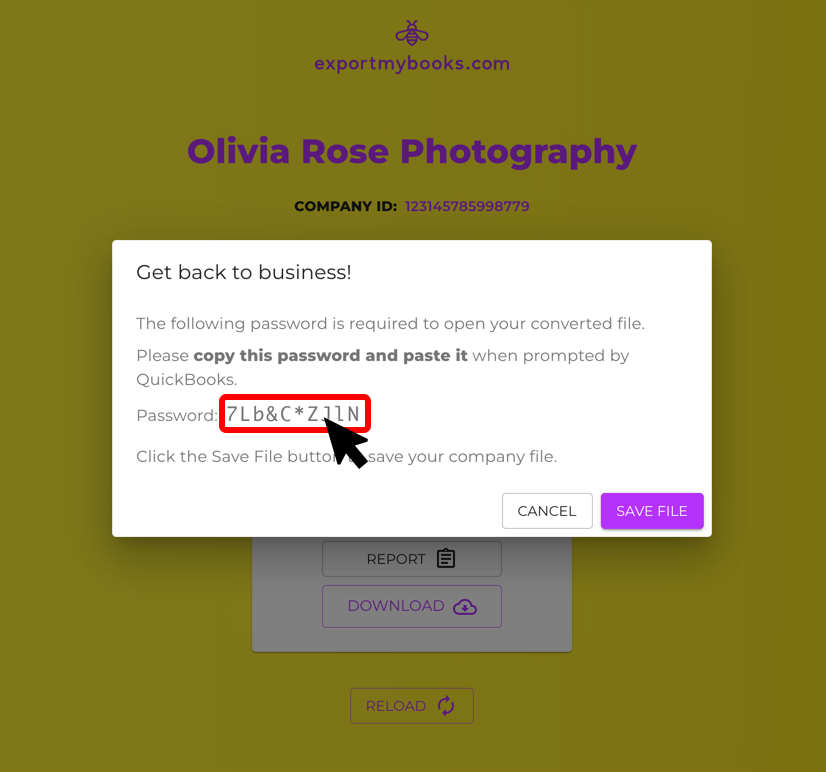
Copy the password in its entirety. Highlight the password and use CTRL + C to copy in Windows, and COMMAND + C to copy if you're using a Mac.
We recommend copying and pasting the password into QuickBooks instead of typing it in as many characters can look similar.
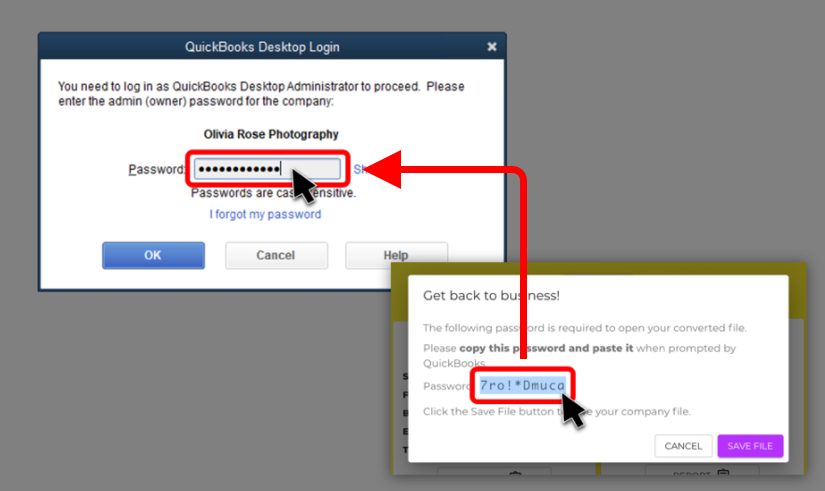
Paste the password into the Password field in QuickBooks once prompted. Use CTRL + V to paste in Windows, and COMMAND + V to paste if you're using a Mac.
Once your new file is restored in QuickBooks we recommend changing the password to one that is secure and that you'll remember.